Layout
Filter the shop, switch the view
Pick a category and the products that stay slide together; switch to a list and every card reshapes into a row.
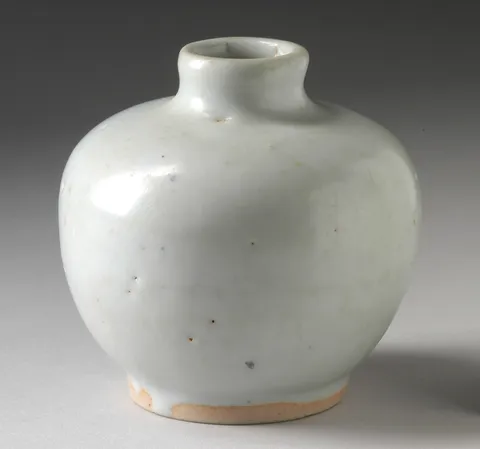
- Moon Vase$148A round, milk-white body with a short neck.
- Ember Bottle Vase$96A long neck over an iron-red belly.

- Lagoon Vase$132Blues and greens running into each other.
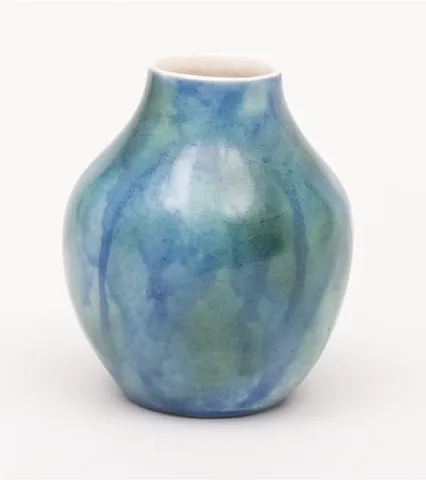
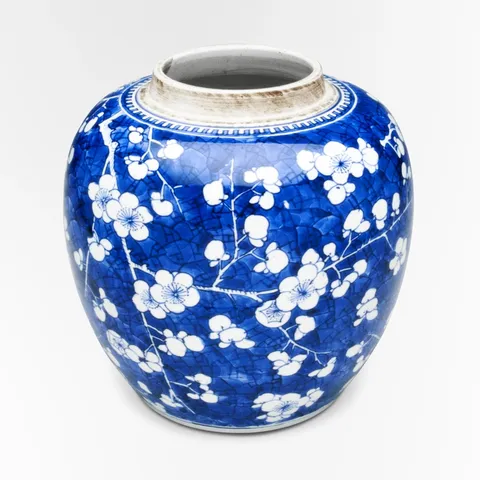
- Blossom Ginger Jar$164Plum blossom on a cobalt ground.
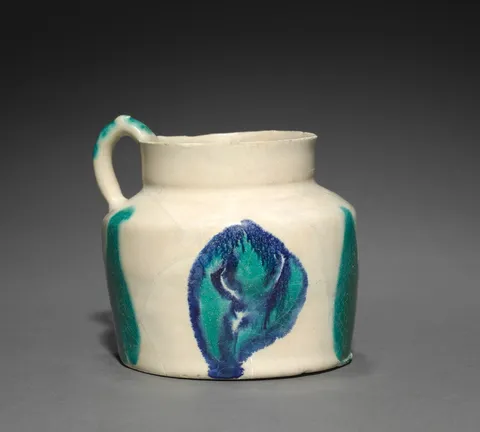
- Brushstroke Jug$88Quick strokes of turquoise and blue.
- Faceted Carafe$120Hand-cut crystal that scatters the light.

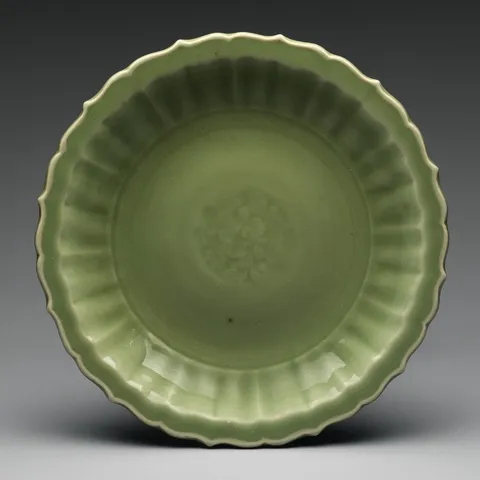
- Celadon Fluted Dish$76A jade-green glaze over a fluted rim.
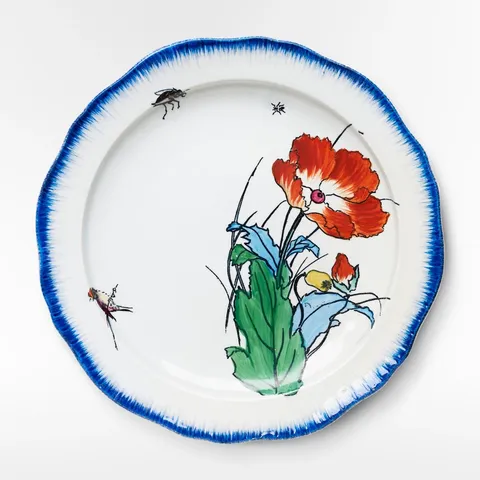
- Poppy Plate$54A red poppy, two bugs and a blue rim.
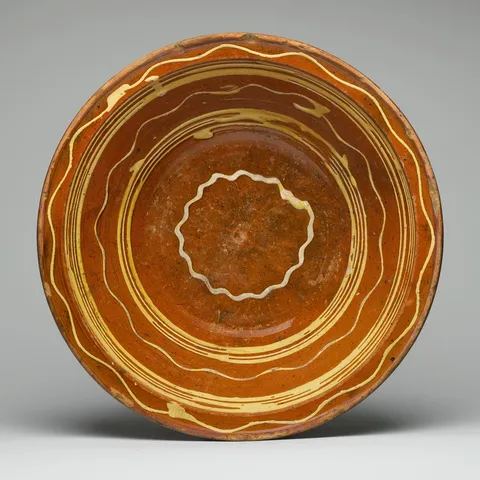
- Slipware Dish$68Trailed slip in rings of cream and amber.
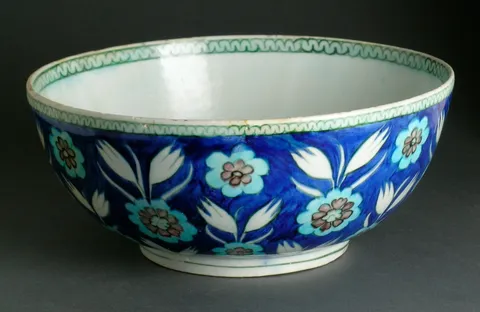
- Tulip Bowl$92White tulips on cobalt, inside a green rim.
- Porcelain Bowl$48Thin, white and faintly translucent.

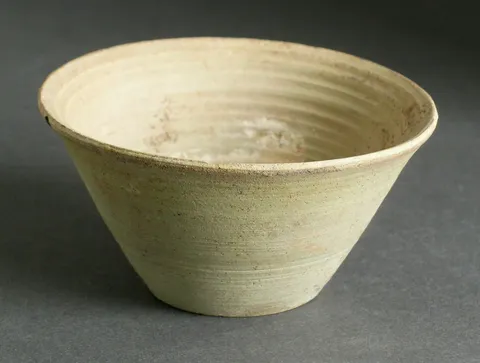
- Celadon Cone Bowl$58Straight sides, a pale green crackle.

Reduced motion: Movement and resizing happen at once, not over time: the view switches in place, and products that come or go fade.
Why
When a filter takes products away and the rest jump to fill the gaps, it's hard to tell what changed. When the ones leaving fade where they were and the rest slide into their new places, the eye can follow each product to where it ends up.
Each product is a layout element inside an <AnimatePresence mode="popLayout">. One the filter takes out is popped out of the flow at once, so the products after it start sliding into its space while it fades.
Switching between grid and list changes every card's size, and each card sees its own change and animates from where it was. The photos resize with plain layout, their corners kept round as they scale; the text is layout="position", so it travels without stretching.
The code
On Foldkit the filter and the view live in the Model; the list is a keyed w.ul under w.Presence({ mode: "popLayout", initial: false }).
import { formatPrice } from "@wardic/example-storefront-shared/format"
import { photoOf, srcsetOf } from "@wardic/example-storefront-shared/images"
import { CATEGORIES, Product } from "@wardic/example-storefront-shared/server"
import * as Effect from "effect/Effect"
import * as Schema from "effect/Schema"
import { defineMessageUnion } from "foldkit/message"
import { defineView } from "foldkit/submodel"
import { wardic } from "~/lib/wardic.ts"
import { definePage, type PageEnv } from "~/page.ts"
import { Shop } from "~/shop.ts"

const FILTERS = ["All", ...CATEGORIES] as const
const Filter = Schema.Literals(FILTERS)
const View = Schema.Literals(["grid", "list"])

// A product a filter brings in grows into place; one it takes out shrinks and fades where it was,
// out of the flow (popLayout), while the ones after it slide into its space.
const item = {
  initial: { opacity: 0, scale: 0.9 },
  animate: { opacity: 1, scale: 1 },
  exit: { opacity: 0, scale: 0.9 },
} as const

const Data = Schema.Struct({ products: Schema.Array(Product) })
const Model = Schema.Struct({ products: Schema.Array(Product), filter: Filter, view: View })
type Model = typeof Model.Type
const Message = defineMessageUnion({ Filter: { filter: Filter }, View: { view: View } })
type Message = typeof Message.Type

const view = defineView<Model, Message, PageEnv>((model, _env, h) => {
  const w = wardic.html(h)
  const shown = model.products.filter((product) => model.filter === "All" || product.category === model.filter)
  return h.div([h.Class("shop")], [
    h.div([h.Class("shop-toolbar")], [
      h.div([h.Class("chips"), h.Role("group"), h.AriaLabel("Category")], FILTERS.map((name) => h.button([h.Class("chip"), h.AriaPressed(String(model.filter === name)), h.OnClick(Message.Filter({ filter: name }))], [name]))),
      // Switching the view changes every card's size: each one sees it, and animates from where it was.
      h.div([h.Class("segmented"), h.Role("group"), h.AriaLabel("View")], [
        h.button([h.AriaPressed(String(model.view === "grid")), h.OnClick(Message.View({ view: "grid" }))], ["Grid"]),
        h.button([h.AriaPressed(String(model.view === "list")), h.OnClick(Message.View({ view: "list" }))], ["List"]),
      ]),
    ]),
    // initial: false: the products already there when the page opens don't grow in.
    w.ul(
      [h.Class("shop-items"), h.DataAttribute("view", model.view), w.Presence({ mode: "popLayout", initial: false })],
      shown.map((product) => {
        const image = photoOf(product.id)
        return w.keyed("li")(product.id, [h.Class("shop-item"), w.Layout(), w.Initial(item.initial), w.Animate(item.animate), w.Exit(item.exit)], [
          // The photo changes size between the views: plain layout, its corners kept round as it scales.
          w.div([h.Class("photo"), w.Layout()], [
            h.img([h.Src(image.small), h.Srcset(srcsetOf(image)), h.Sizes("(max-width: 640px) 50vw, 240px"), h.Width(String(image.width)), h.Height(String(image.height)), h.Alt(product.name)]),
          ]),
          // Text only travels: Layout("position") moves it to its new place without stretching it.
          w.span([h.Class("name"), w.Layout("position")], [product.name]),
          w.span([h.Class("price"), w.Layout("position")], [formatPrice(product.price)]),
          w.span([h.Class("tagline"), w.Layout("position")], [product.tagline]),
        ])
      }),
    ),
  ])
})

export default definePage({
  id: "browse",
  Data,
  Model,
  Message,
  load: Effect.map(Shop.use((shop) => shop.listProducts(null)), (products) => ({ products })),
  init: ({ products }): Model => ({ products, filter: "All", view: "grid" }),
  update: (model, message) =>
    Message.match(message, {
      Filter: ({ filter }) => ({ model: { ...model, filter } }),
      View: ({ view }) => ({ model: { ...model, view } }),
    }),
  view,
})