Page transitions
From the catalogue to a piece's own page
Open a piece and its photo flies from the catalogue into its own page; go back and it flies home. The two are routes, so the browser's back and forward do the same.
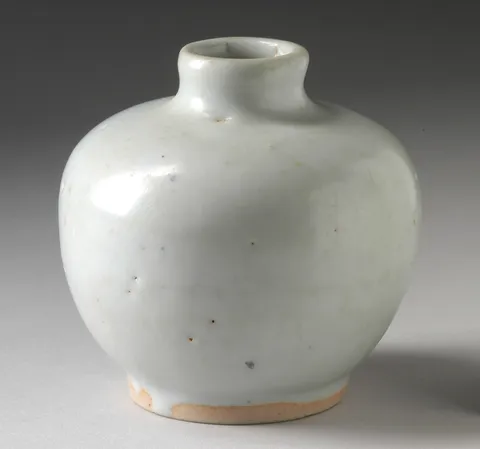
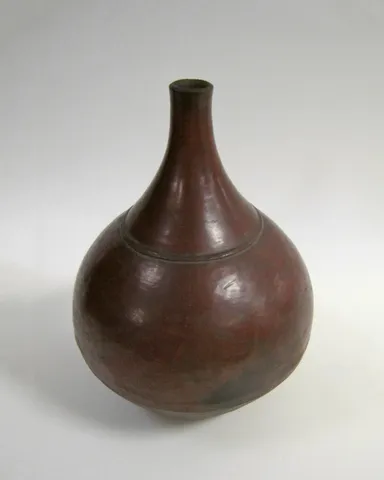
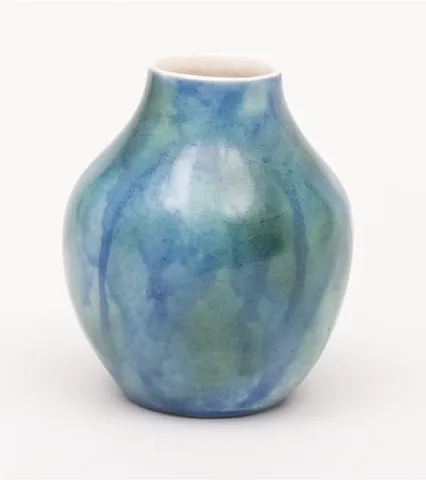
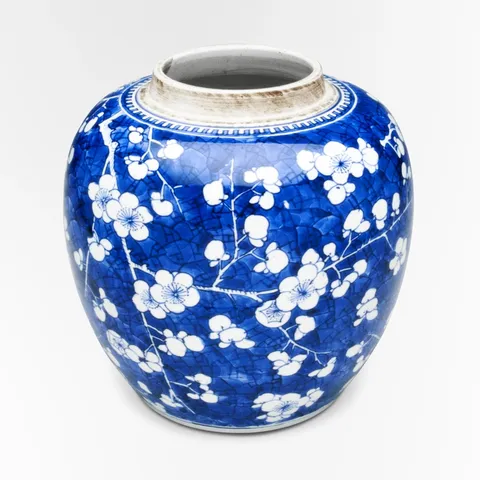

Reduced motion: The pages fade from one to the other; the photo doesn't fly and the next piece doesn't slide.
Why
A product page that replaces the list in a cut loses the visitor's place: which photo did they open? If the photo they picked grows into the page's hero, and shrinks back into its card when they return, the two pages read as one place seen closer.
The catalogue and each piece are two Solid Router routes under one layout, and the layout puts <AnimatePresence mode="popLayout"> around its outlet. Each page's root is a Wardic element with an exit. A navigation gives the outlet the new page's nodes, so the old page leaves by itself, with no key. popLayout takes the leaving page out of the flow where it was, so the new one is in place at once, and the photo, the same layoutId on the card and on the hero, flies between them, bowing a little along an arc().
Each card squeezes a little as it's pressed, and its "Add" puts the piece in the cart. The button's press is its own, propagate={{ tap: false }}, so pressing it doesn't squeeze the card, and the same goes for a key. The button sits beside the card's link rather than inside it: propagate keeps the card's press out, and the link's click would still open the piece.
"Next piece" stays on the same route with another id, which keeps the page's nodes: the piece's content is keyed on the id (<Show keyed>, in a presence of its own), so it slides on while the page stays. The links don't scroll (noScroll; Solid 2's noscroll), as the demo sits partway down a longer page. Across a whole app you'd keep the router's scroll to the top: the photo flies from where the card was seen, and the leaving page stays where it was as it fades (#480).
The code
On Foldkit the catalogue and each piece are two routes of the app's own parser, under one page the app keeps while the route stays on the example: the list and the piece are keyed roots under w.Presence({ mode: "popLayout" }), so the one that leaves goes by itself, and "Next piece" keys the piece's content under a presence of its own. A card's "Add" is a Command over the store, what it shows meanwhile a Message's, and its press stays its own with w.Propagate({ tap: false }).
/**
 * The catalogue and a piece's page (#479), two routes under one presence: `/transitions/catalogue`
 * and `/transitions/catalogue/<piece>`, the app's own (`routes.ts`), the piece reaching the page as
 * its env. A navigation renders the other page's root under the presence, so the one that was there
 * leaves on its own; `popLayout` takes it out of the flow where it was, so the next is in place at
 * once and a shared `layoutId` flies between them.
 */
import { PRODUCTS } from "@wardic/example-storefront-shared/catalog"
import { formatPrice } from "@wardic/example-storefront-shared/format"
import { photoOf, srcsetOf } from "@wardic/example-storefront-shared/images"
import { Cart, type Product } from "@wardic/example-storefront-shared/server"
import * as Effect from "effect/Effect"
import * as Schema from "effect/Schema"
import * as Command from "foldkit/command"
import type { Html, HtmlBuilder } from "foldkit/html"
import { defineMessageUnion } from "foldkit/message"
import { defineView } from "foldkit/submodel"
import { arc } from "@wardic/foldkit"
import { wardic } from "~/lib/wardic.ts"
import { cartChanged, definePage, type PageEnv } from "~/page.ts"
import { Shop } from "~/shop.ts"
import { asked } from "~/shop/text.ts"

const PIECES = PRODUCTS.slice(0, 6)
const HOME = "/transitions/catalogue"

const pieceOf = (id: string): Product | undefined => PIECES.find((piece) => piece.id === id)
const nextOf = (piece: Product): Product => PIECES[(PIECES.indexOf(piece) + 1) % PIECES.length]

// Each page fades in and out; what the two share flies on top of that.
const page = { initial: { opacity: 0 }, animate: { opacity: 1 }, exit: { opacity: 0 }, transition: { type: "tween", duration: 0.25 } } as const

// Another piece on the same page slides on, the last one off the other way.
const slide = { initial: { opacity: 0, x: 32 }, animate: { opacity: 1, x: 0 }, exit: { opacity: 0, x: -32 } } as const

// The photo's flight bows a little (#438): Motion's default layout tween, along an arc.
const FLIGHT = { layout: { type: "tween", duration: 0.45, ease: [0.4, 0, 0.1, 1], path: arc({ strength: 0.25 }) } } as const

/** How a card's "Add" is going, while it says so: adding, or how the last one ended, for two seconds (its token's). */
const Status = Schema.Struct({ kind: Schema.Literals(["adding", "added", "failed"]), token: Schema.Number })
type Status = typeof Status.Type

const Data = Schema.Struct({})
const Model = Schema.Struct({ status: Schema.Record(Schema.String, Status), next: Schema.Number })
type Model = typeof Model.Type
const Message = defineMessageUnion({
  Add: { id: Schema.String },
  Added: { id: Schema.String, cart: Cart },
  Failed: { id: Schema.String, reason: Schema.String },
  /** Two seconds after an add ended, the card offers to add again: for the end the token names, not a later one. */
  Reset: { id: Schema.String, token: Schema.Number },
})
type Message = typeof Message.Type

const Add = Command.define("CatalogueAdd", {
  args: { id: Schema.String },
  messages: [Message.Added, Message.Failed],
  execute: ({ id }) =>
    asked(
      Shop.use((shop) => shop.addToCart(id, 1)),
      (cart) => Message.Added({ id, cart }),
      (reason) => Message.Failed({ id, reason }),
    ),
})
const ResetLater = Command.define("CatalogueReset", {
  args: { id: Schema.String, token: Schema.Number },
  messages: [Message.Reset],
  execute: ({ id, token }) => Effect.sleep("2 seconds").pipe(Effect.as(Message.Reset({ id, token }))),
})

/** `id`'s status is `kind`, under a new token. */
const withStatus = (model: Model, id: string, kind: Status["kind"]): Model => ({ ...model, status: { ...model.status, [id]: { kind, token: model.next } }, next: model.next + 1 })

/** `id`'s add has ended as `kind` says: the card says so for two seconds. */
const ended = (model: Model, id: string, kind: "added" | "failed") => ({ model: withStatus(model, id, kind), commands: [ResetLater({ id, token: model.next })] })

const LABEL: Record<Status["kind"], string> = { adding: "Adding…", added: "Added ✓", failed: "Not added" }

const labelOf = (status: Status | undefined): string => {
  if (status === undefined) return "Add"
  return LABEL[status.kind]
}

/** The card's photo and the piece's hero: one `layoutId`, so it flies from one page to the other. */
const photo = (h: HtmlBuilder<Message>, piece: Product, sizes: string): Html => {
  const w = wardic.html(h)
  const image = photoOf(piece.id)
  return w.div([h.Class("photo"), w.LayoutId(`catalogue-${piece.id}`), w.Transition(FLIGHT)], [
    h.img([h.Src(image.small), h.Srcset(srcsetOf(image)), h.Sizes(sizes), h.Width(String(image.width)), h.Height(String(image.height)), h.Alt(piece.name)]),
  ])
}

// #439: a press of the button's own.
/**
 * A card's "Add": its press is its own (`Propagate({ tap: false })`), so the card around it
 * doesn't squeeze as it's pressed. It sits beside the card's link, not in it, so a click on it opens
 * nothing: `Propagate` keeps a press from the card's, not a click from the link's.
 */
const addButton = (model: Model, h: HtmlBuilder<Message>, piece: Product): Html => {
  const w = wardic.html(h)
  const status = model.status[piece.id]
  return w.button(
    [h.Class("button catalogue-add"), h.AriaLabel(`Add ${piece.name} to the cart`), h.Disabled(status?.kind === "adding"), w.WhileTap({ scale: 0.9 }), w.Propagate({ tap: false }), h.OnClick(Message.Add({ id: piece.id }))],
    [labelOf(status)],
  )
}

/** The catalogue: `/transitions/catalogue`. */
const list = (model: Model, h: HtmlBuilder<Message>): Html => {
  const w = wardic.html(h)
  return w.keyed("ul")(
    "list",
    [h.Class("catalogue-list"), w.Initial(page.initial), w.Animate(page.animate), w.Exit(page.exit), w.Transition(page.transition)],
    PIECES.map((piece) =>
      // The card squeezes a little as it's pressed, though not as its "Add" is.
      w.li([h.Class("catalogue-item"), w.WhileTap({ scale: 0.97 })], [
        h.a([h.Class("catalogue-card"), h.Href(`${HOME}/${piece.id}`)], [
          photo(h, piece, "160px"),
          h.span([h.Class("line")], [h.span([h.Class("name")], [piece.name]), h.span([h.Class("price")], [formatPrice(piece.price)])]),
        ]),
        addButton(model, h, piece),
      ]),
    ),
  )
}

/** A piece's page: `/transitions/catalogue/<piece>`. */
const pieceView = (h: HtmlBuilder<Message>, id: string): Html => {
  const w = wardic.html(h)
  const piece = pieceOf(id)
  return w.keyed("article")("piece", [h.Class("catalogue-piece"), w.Initial(page.initial), w.Animate(page.animate), w.Exit(page.exit), w.Transition(page.transition)], [
    ...(piece === undefined
      ? [h.p([h.Class("muted")], ["That piece isn't in the catalogue."])]
      : [h.nav([h.Class("catalogue-nav")], [h.a([h.Href(HOME)], ["← The catalogue"]), h.a([h.Href(`${HOME}/${nextOf(piece).id}`)], ["Next piece →"])])]),
    // Another id keeps this route, and so this page's root: its content, keyed on the id, leaves and
    // enters in a presence of its own. Not on the page's first render, where the photo flies.
    w.div(
      [w.Presence({ mode: "popLayout", initial: false })],
      piece === undefined
        ? []
        : [
            w.keyed("div")(piece.id, [h.Class("catalogue-hero"), w.Initial(slide.initial), w.Animate(slide.animate), w.Exit(slide.exit)], [
              photo(h, piece, "(max-width: 640px) 100vw, 320px"),
              h.div([h.Class("catalogue-text")], [
                h.h2([], [piece.name]),
                h.p([h.Class("price")], [formatPrice(piece.price)]),
                h.p([], [piece.description]),
                h.ul([h.Class("details")], piece.details.map((detail) => h.li([], [detail]))),
              ]),
            ]),
          ],
    ),
  ])
}

const view = defineView<Model, Message, PageEnv>((model, env, h) => {
  const w = wardic.html(h)
  // The two pages under one presence: the route decides which is rendered, and the other leaves.
  return w.div([h.Class("catalogue"), w.Presence({ mode: "popLayout" })], [env.piece === null ? list(model, h) : pieceView(h, env.piece)])
})

export default definePage({
  id: "catalogue",
  Data,
  Model,
  Message,
  load: Effect.succeed({}),
  init: (): Model => ({ status: {}, next: 1 }),
  update: (model, message) =>
    Message.match(message, {
      Add: ({ id }) => ({ model: withStatus(model, id, "adding"), commands: [Add({ id })] }),
      Added: ({ id, cart }) => ({ ...ended(model, id, "added"), outMessage: cartChanged(cart) }),
      Failed: ({ id }) => ended(model, id, "failed"),
      Reset: ({ id, token }) => {
        if (model.status[id]?.token !== token) return { model }
        const { [id]: _gone, ...rest } = model.status
        return { model: { ...model, status: rest } }
      },
    }),
  view,
})